iOS 26.4’s 3 Brand-New Customization Tricks You Can Try Right Now
Unlock iOS 26.4’s latest features: stretch your lock-screen clock, move widgets, and craft playlists with simple text.
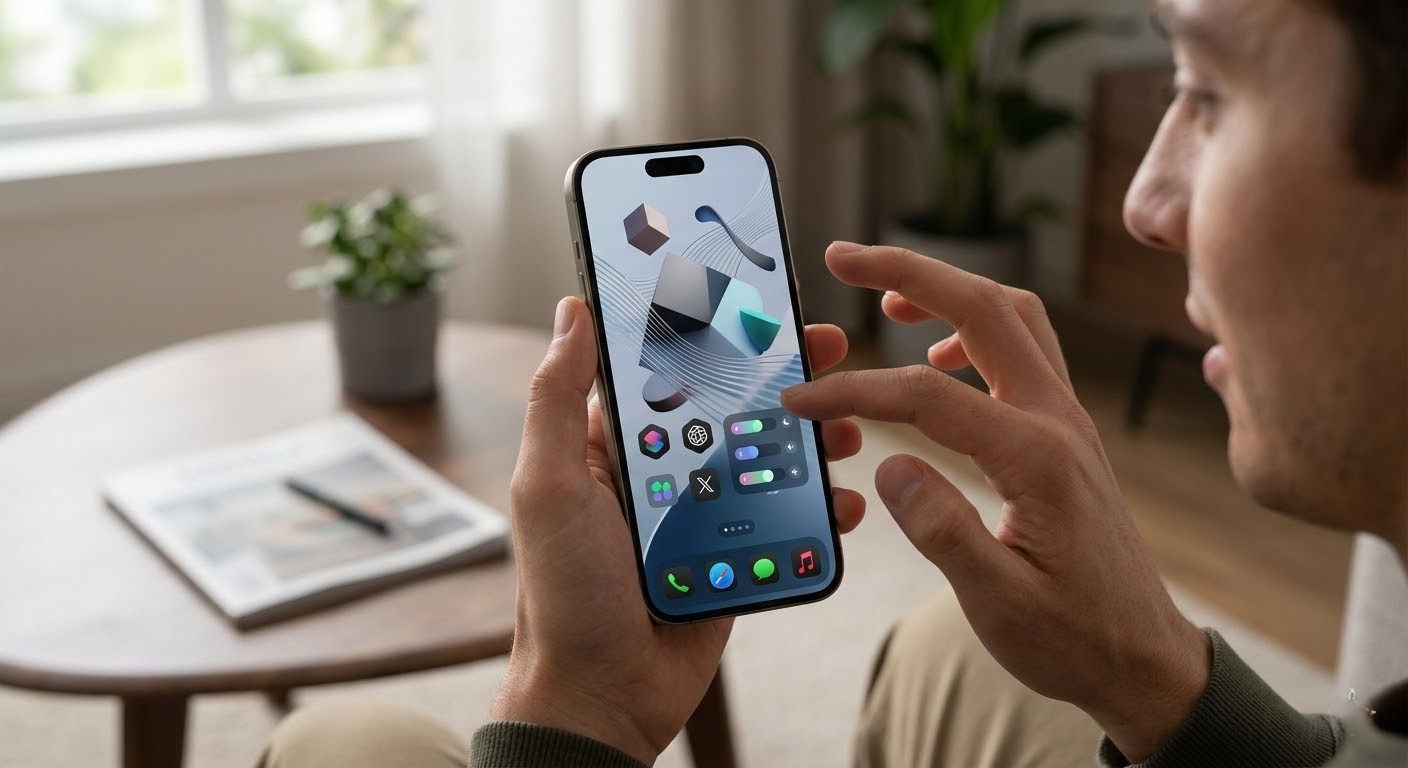
If you thought your iPhone looked slick with iOS 26, wait until you try the fresh batch of customization tools arriving in the iOS 26.4 beta. Apple just dropped three smart ways to change how your phone looks and feels—and each tweak lets your style shine through in a new way.
1. Stretch the Clock: Lock Screen Time Gets Dramatic
One standout visual punch: the ability to resize your lock-screen clock. In edit mode, a drag handle appears at the bottom-right corner of the time display—pull it down to make your digits fill up to half the screen. Ideal for those who want time to dominate without clutter. The trade-off? Widgets under a larger clock move permanently to the bottom of the screen. And this feature only works with Apple’s default clock font and western digits; change either, and the resize option vanishes.
2. Widgets Wherever You Want Them
Widgets on the lock screen aren’t fixed anymore. iOS 26 introduced a long-awaited ability to reposition widgets either beneath the clock (where they’ve always been) or at the bottom of the lock screen, right above quick actions like flashlight and camera. It’s more than aesthetic—they help avoid covering faces in your wallpapers and set a cleaner, more balanced layout. Combine this with clock resizing and you’ve got freedom to play with proportions like never before.
3. Playlist Playground: Your Mood, Your Mix
Over in Apple Music, iOS 26.4 ups the personalization game with Playlist Playground. Just type any idea—“rainy day jazz”, “epic workout playlist”, or something wild—and let Apple’s AI build a 25-song set based on your vibe. Don’t love a track? You can swap it out. Want to rename it, change cover art, or adjust mood? Go for it—you’re in control. And that’s not all: full-page artwork, cleaner album layouts, and even a “concerts near you” section make browsing less about lots of thumbnails and more about artistic moments.
Bonus: How to Try Them Now
These features are part of the iOS 26.4 developer beta, with a public beta expected in late March or early April. To get them early, install the developer beta—but make sure you back up your phone and expect some rough edges. When the update goes public, every iPhone sold since 2019 (iPhone 11 and newer) should support them, though high-end visual effects like Spatial Scenes require more recent chipsets.
To try the clock resizing and widget repositioning: long-press on the lock screen, tap “Customize”, select the clock, use the drag handle to stretch, and drag widgets where you want. For Playlist Playground: open Apple Music, go to the Library tab, tap the “+” to create a new playlist, then type whatever vibe you’re after to rock that mix.
These three tricks—resizable clock, flexible widget placement, and AI-powered playlist creation—turn everyday phone use into something personal, expressive, even fun. One small update, big creative payoff.


