Windows 12’s AI Chip Mandate: What You Need to Know Before Buying a PC
Microsoft’s rumored Windows 12 could require NPUs with 40+ TOPS for full AI features—learn how this impacts hardware and purchases.
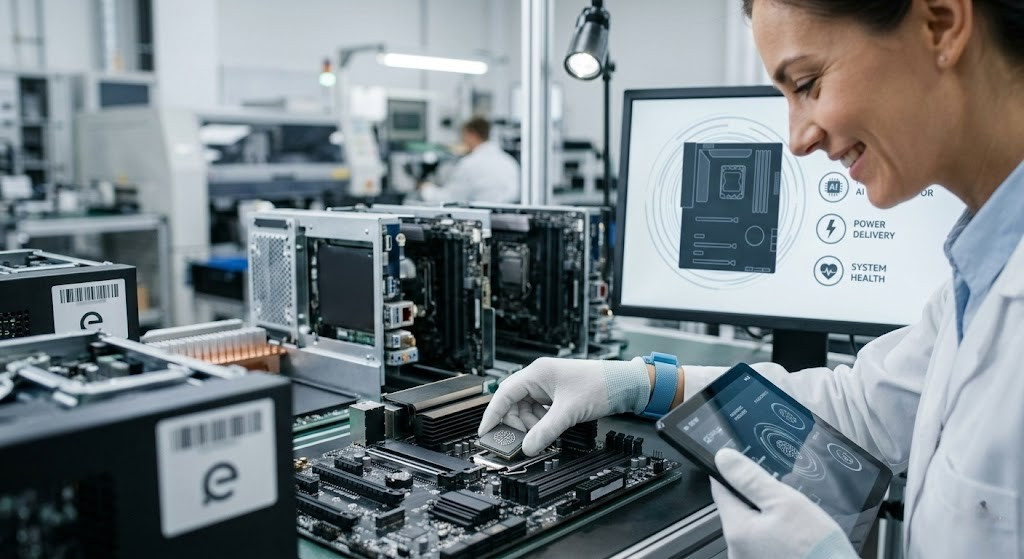
Imagine buying a new PC next year only to find out it can’t run half the features Windows 12 is hyping. That’s the concern floating around as leaks suggest Microsoft will force a hardware standard—specifically neural processing units (NPUs) firing at 40+ TOPS—for full functionality. If you’re eyeing a new machine, knowing what’s real, what’s rumored, and what you should demand could save you a headache (and money).
The Copilot+ Frontier: Not All AI PCs Are Equal
Microsoft’s “Copilot+ PC” initiative already draws a line in the silicon sand: devices must include an NPU capable of at least 40 TOPS, along with at least 16 GB RAM and 256 GB SSD storage to unlock full AI experiences. These specs are what most recent machines built around Snapdragon X Elite/Plus, Intel Core Ultra 200V, or AMD Ryzen AI are being judged against. Chips with weaker NPUs—Meteor Lake or earlier—fall short of the 40 TOPS threshold. That threshold isn’t just about bragging rights; it’s about whether features like Recall, intelligent search, and Copilot?driven automations will run locally and reliably.
What Windows 12 Rumors Suggest: NPU or Bust?
Sources like PCWorld claim that Windows 12—codenamed “Hudson Valley Next”—is shaping up as an OS deeply baked in AI, possibly replacing Windows 11 during 2026. To run all its promised features—including real-time summarization, system-wide context assistance, and semantic search—your PC would need an NPU with at least 40 TOPS. Rumors also propose Microsoft may offer stripped?down functionality on machines lacking that hardware, or even block some features outright on uncertified devices.
Spec Wall or Spec Choice? OEMs & Industry Adaptation
Chipmakers already shifting gear: AMD’s Ryzen AI 300 Series, Intel’s Ultra 200V, and Qualcomm’s Snapdragon X platforms all line up with the 40+ TOPS spec. At CES 2026, a wave of laptops appeared labeled as Copilot+ PCs, checking boxes on hardware specs—yet software support remains spotty. Few apps take full advantage of NPUs today. Microsoft is also building out its Windows AI Foundry tools, which aim to let software fall back to CPU or GPU inferencing when NPU power is absent—offering some flexibility. Still, for maximum “AI OS” promise, the leaks and official Copilot+ specs suggest there’s no replacing NPU power.
What Buyers Should Think About Before Upgrading
- Check the NORMS: Confirm that the NPU in your prospective PC hits or exceeds the 40 TOPS mark. If reviews focus on CPU/GPU performance without pinpointing TOPS, that’s a red flag.
- Focus on real benefits: Battery life, offline AI features like live translation or Recall, and system performance will depend heavily on strong, efficient AI hardware.
- Don’t ignore the base experience: Even machines without high-powered NPUs will likely run Windows 12—just with limited or cloud-assisted AI features instead of full local power.
- Budget accordingly: Certified Copilot+ devices already start around $700-$800, but those are just the entry point. Off?grid or high?performance AI work will cost more.
As Microsoft edges toward phasing out support for Windows 10 (October 14, 2025), the push toward AI-capable hardware is increasingly urgent—whether you want it or not. The coming months may clarify what Microsoft will officially require—and what you can realistically expect.
Bottom line: If you want all of Windows 12, demand a PC built for AI. Without a 40+ TOPS NPU, you’ll get most—but not all—of the magic.